Start with real API traffic
Capture exchanges from a working flow and build a response library you can inspect.
Explore record and replayAI response models · Simulate any API or service
Extend your test environment with a response model shaped by the traffic your application exchanges with an API or service, your own or a third party’s. Train a service-specific adapter on your Full stack using local compute, then explore how it answers representative requests.
Service + URI filter
ServiceDemo API
URI filter/gostly-demo/anything/*
ExchangesThe ones you reviewed
Train from eligible request-and-response pairs for one service. Give the model examples of the shapes, fields and conventions your application uses.
Train a small response-model adapter on your Full stack’s CPU worker. Keep the training workflow inside the environment you operate.
Distinguish stored responses, retrieval and generated output. Use that context when deciding what belongs in your application tests.
From examples to responses
Choose representative exchanges, review the data and train from eligible scrubbed records. Activate the resulting adapter for that service, then put its responses through the checks your application depends on.
Proof you can run
A generated answer is labeled as generated, and your own checks decide whether it is right. Run the check on requests the model has never seen, before you rely on it.
Use the acceptance recordBring your own assertions
Use Gostly’s scenario-testing workflow to give each agent version the same configured API conditions. Compare what your agent does in your own eval harness, with model use selected for the workflow you want to test.
Explore API simulation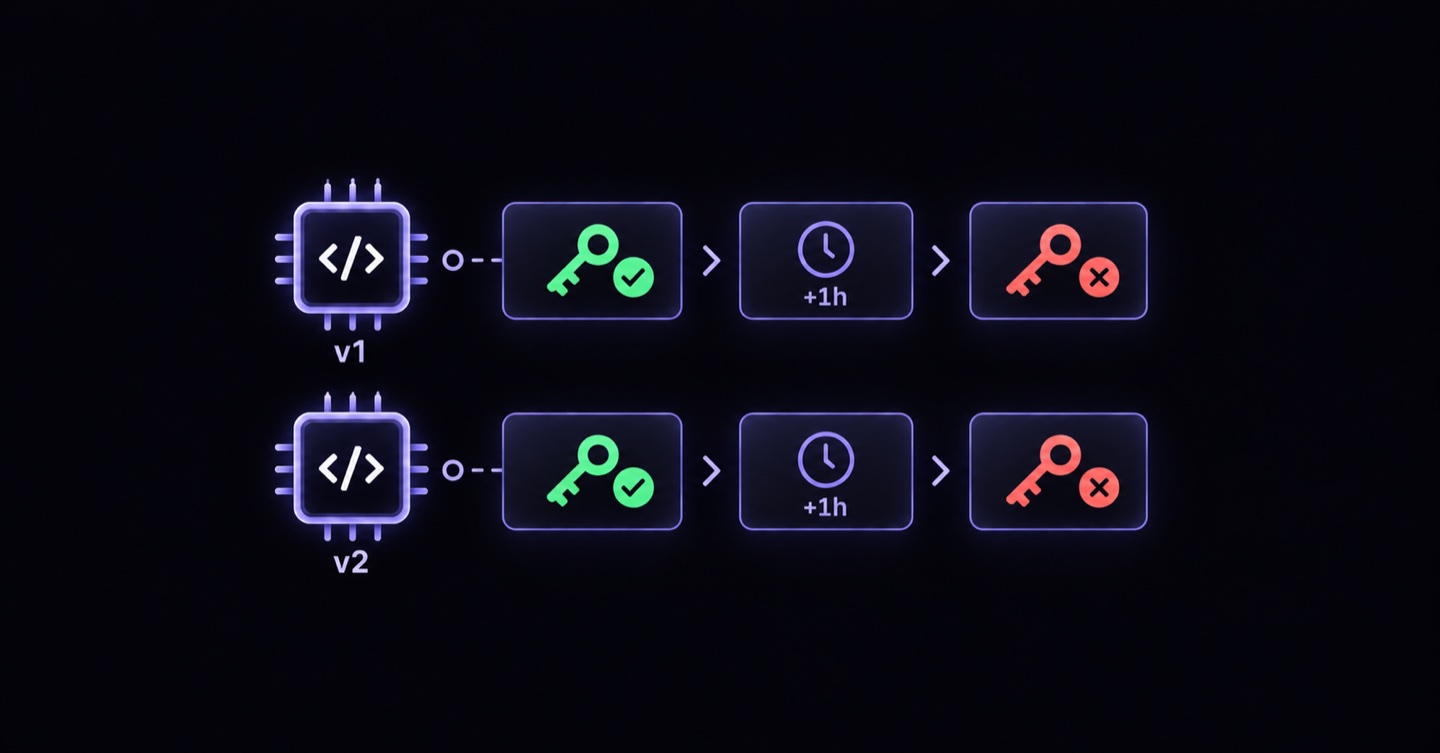
A service-specific LoRA adapter for API responses. You provide reviewed examples and local compute; training fits the adapter to that service. This is not general-purpose foundation-model training.
No. Model use is optional. Eligible requests can use stored responses or retrieval; generation depends on the selected workflow. A missing response can remain a miss, and cached output can expire or become invalid.
Training completion and serving are separate. Attach the ready adapter and confirm it is serving. If activation calls for a sidecar restart, follow that action and retry activation before evaluating the result.
Check representative requests against your application’s expected values, errors and state changes. Response-origin labels explain where output came from; your assertions establish whether it works for your use case. Gostly does not automatically score your agent.
Resources
Capture exchanges from a working flow and build a response library you can inspect.
Explore record and replayPlan held-out requests, business rules and serving observations before evaluating generated answers.
Use the acceptance recordReview the local compute and installation requirements before running your own training job.
Read the install guide